📖 How to Activate Windows 10
Preparation
Before you begin, ensure you have a valid Windows 10 Pro product key from WinCDKey and a USB flash drive with at least 8 GB of space or a blank DVD.
Downloading Windows 10 Pro
- 1Visit the official Microsoft website to download the Media Creation Tool.
- 2Run the MediaCreationTool.exe file you just downloaded.
- 3Accept the license terms.
- 4Select "Create installation media (USB flash drive, DVD, or ISO file) for another PC".
- 5Choose your language, edition (Windows 10), and architecture (64-bit recommended).
- 6Select USB flash drive or ISO file if you prefer to burn a DVD.
- 7Let the tool download and write the installation files — this may take 15–30 minutes.
Installing Windows 10 Pro
Clean Install
- 1Insert your USB drive or DVD into the target PC.
- 2Restart and enter the BIOS/UEFI (usually by pressing F2, F12, Del, or Esc during startup — varies by manufacturer).
- 3Set USB or DVD as the first boot device.
- 4Save and exit BIOS — your PC will boot from the installation media.
- 5Select your language, time, and keyboard format, then click Next.
- 6Click Install now.
- 7Select Windows 10 Pro from the edition list.
- 8Accept the license agreement.
- 9Choose "Custom: Install Windows only (advanced)" for a clean install.
- 10Delete all existing partitions on the target drive and create a new one (this wipes the drive — back up data first).
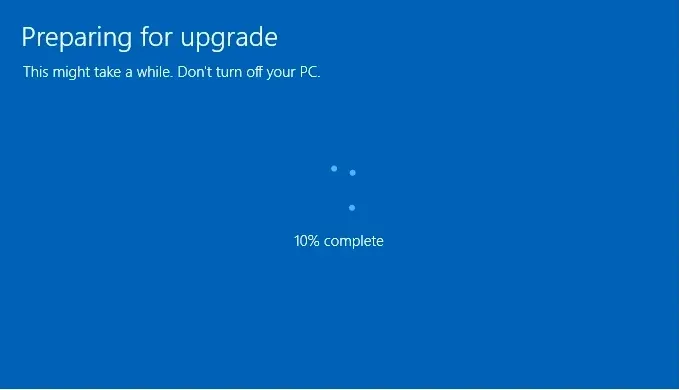
- 11Click Next and let the installation complete. Your PC will restart several times automatically.
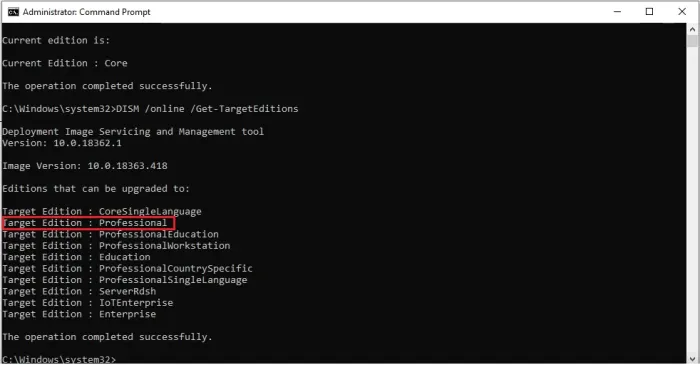
Upgrading from Windows 10 Home
- 1Press Windows key + R, type slui.exe 3, and press Enter.
- 2Enter your Windows 10 Pro product key from WinCDKey.
Activating Windows 10 Pro
- 1Go to Settings → Update & Security → Activation.
- 2Click Change product key.
- 3Enter your WinCDKey product key and click Next.
- 4Windows will verify and activate online.
Troubleshooting
- ✓0xC004F074: Can’t reach Microsoft’s activation servers. Check your internet connection.
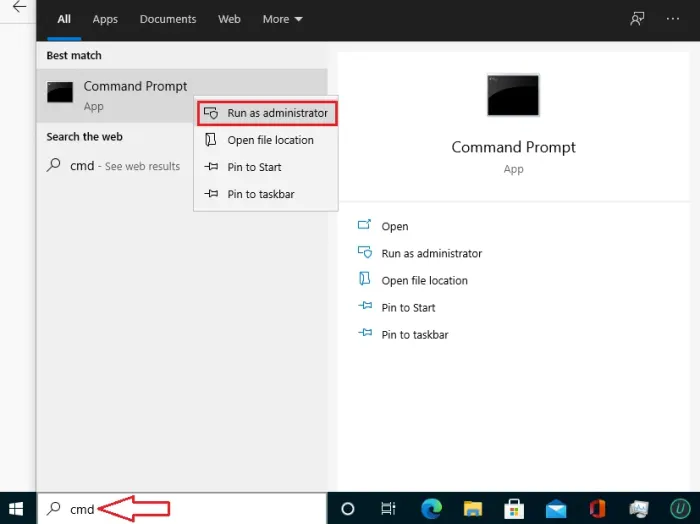
- ✓0x800f0805: Upgrade blocked. Ensure your system meets the requirements.
- ✓0x80070005: Access denied. Run the tool as an administrator.
- ✓0xC004C003: Key not accepted. Verify your product key.
📷 Screenshots